

Virtual Surveyor works with an email address and a password for both the desktop and web application. If you have forgotten your password or your password has been compromised, you can reset it online from My Virtual Surveyor.
Overview
Reset Your Password
Notice: Text/SMS verification is currently unavailable until further notice. Please continue using email verification to receive your sign-in code for two-factor authorization.
To reset your password you'll need to go to My Virtual Surveyor.
- Select the account for the password you'd like to reset.
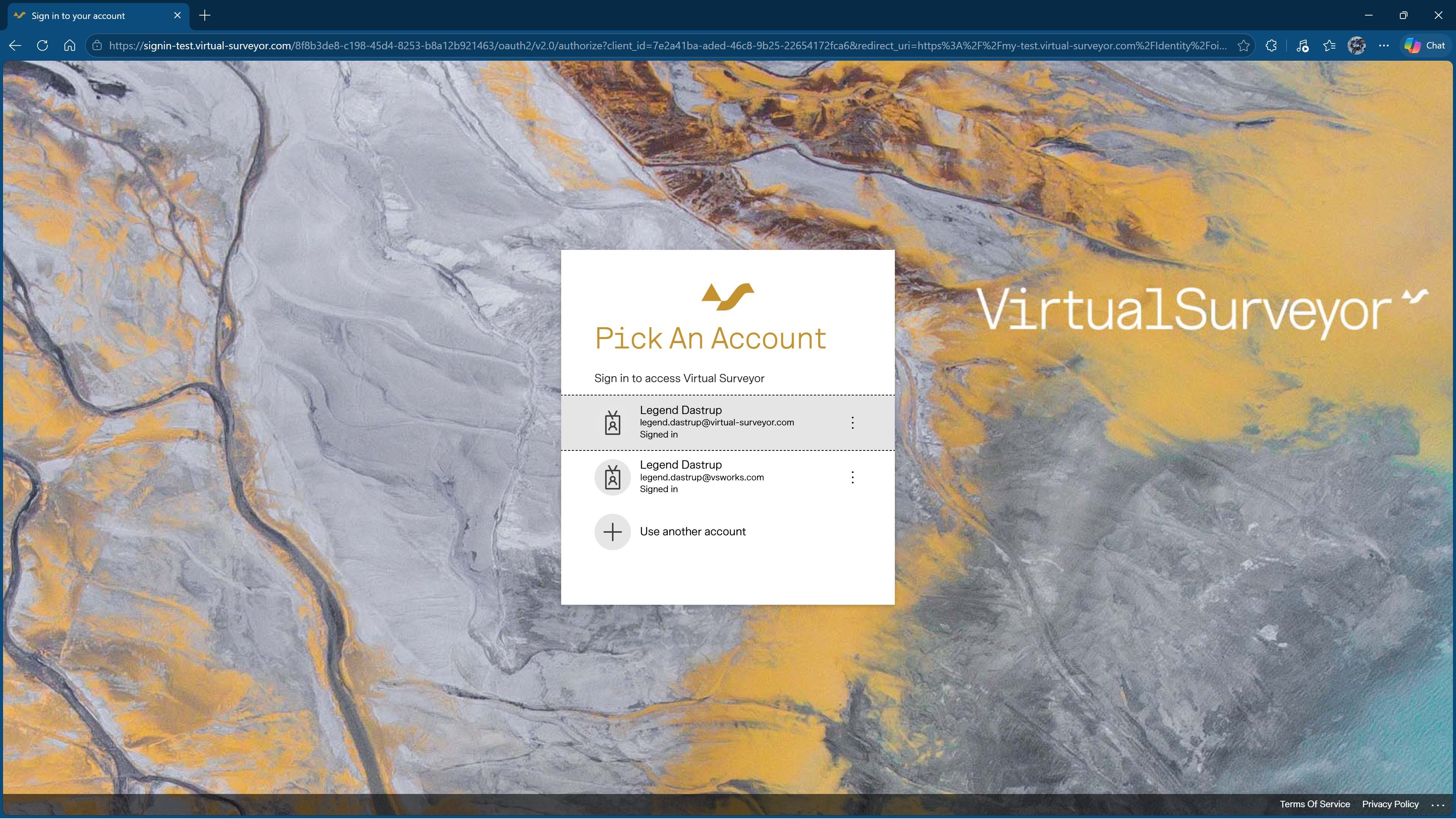
- Click Forgot password?
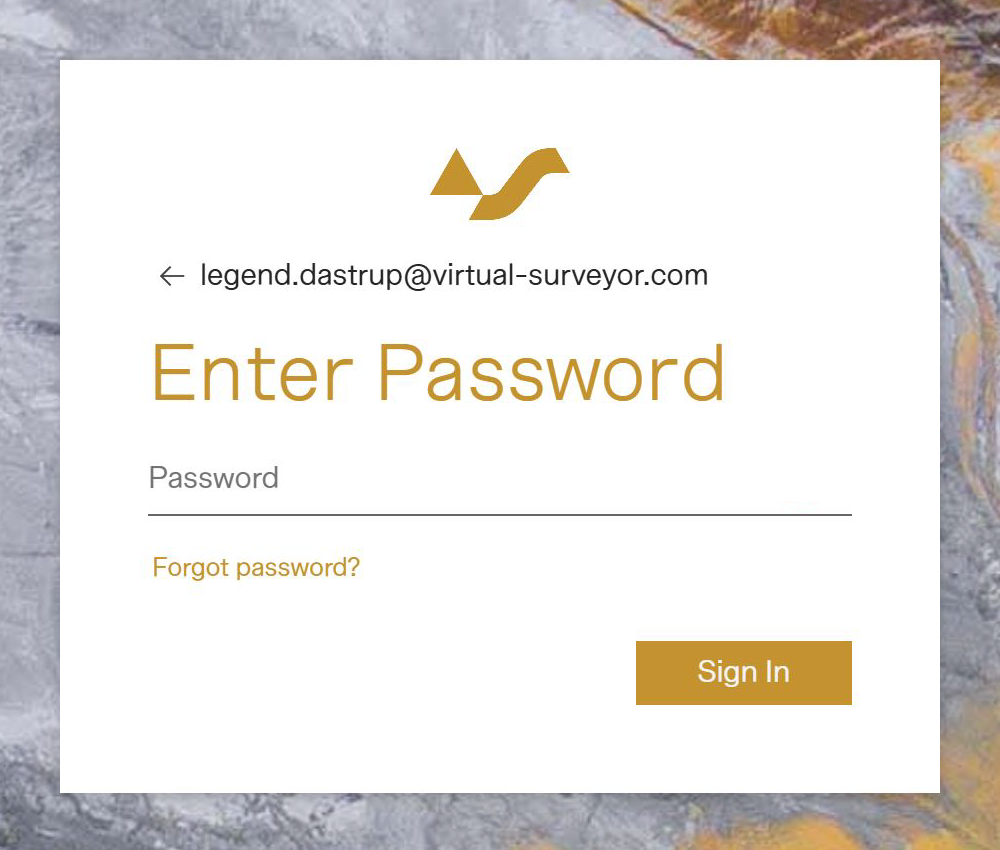
- Select your preferred authentication method: email or SMS/text.
You will receive an email/SMS with the verification code.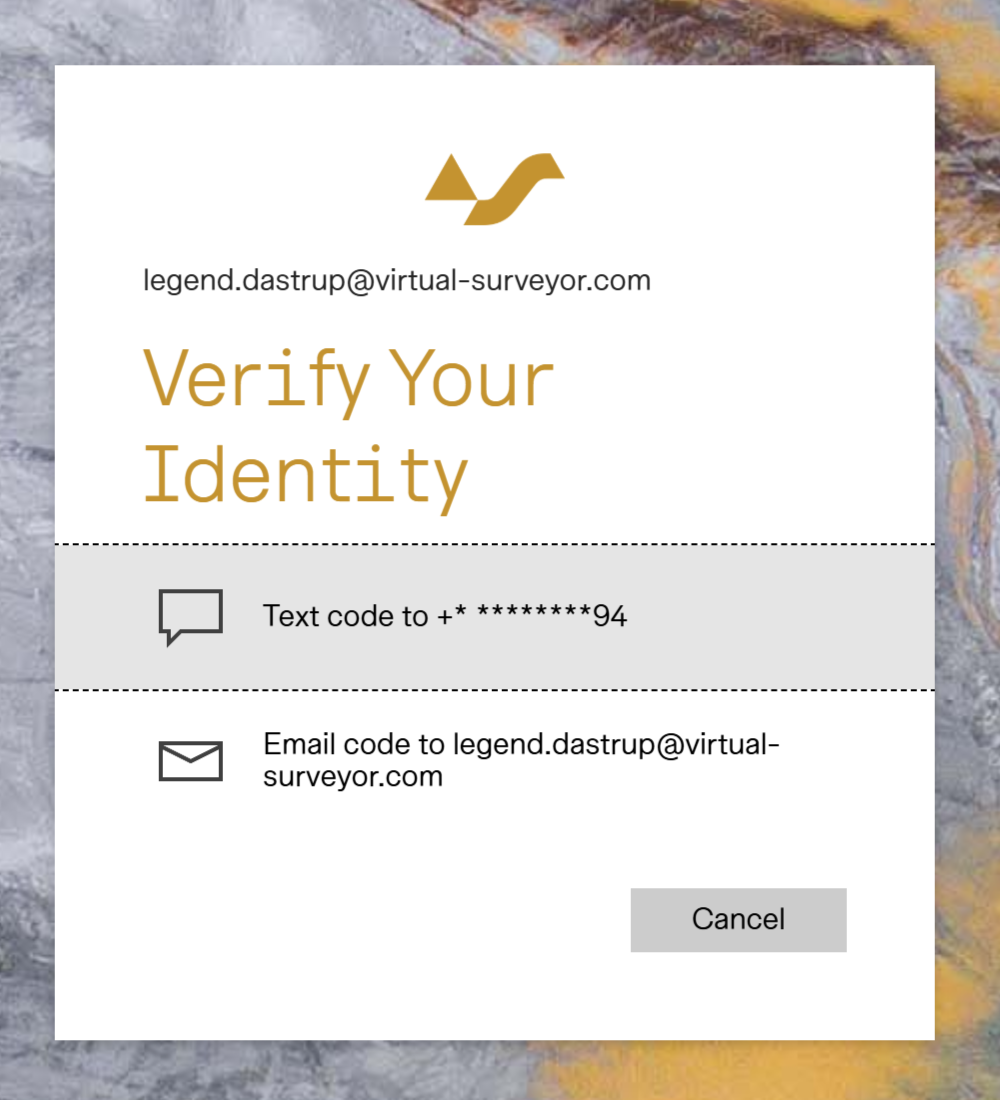
- Enter the verification code then click Verify.
Your Virtual Surveyor ID is verified and you will now be able to configure your password.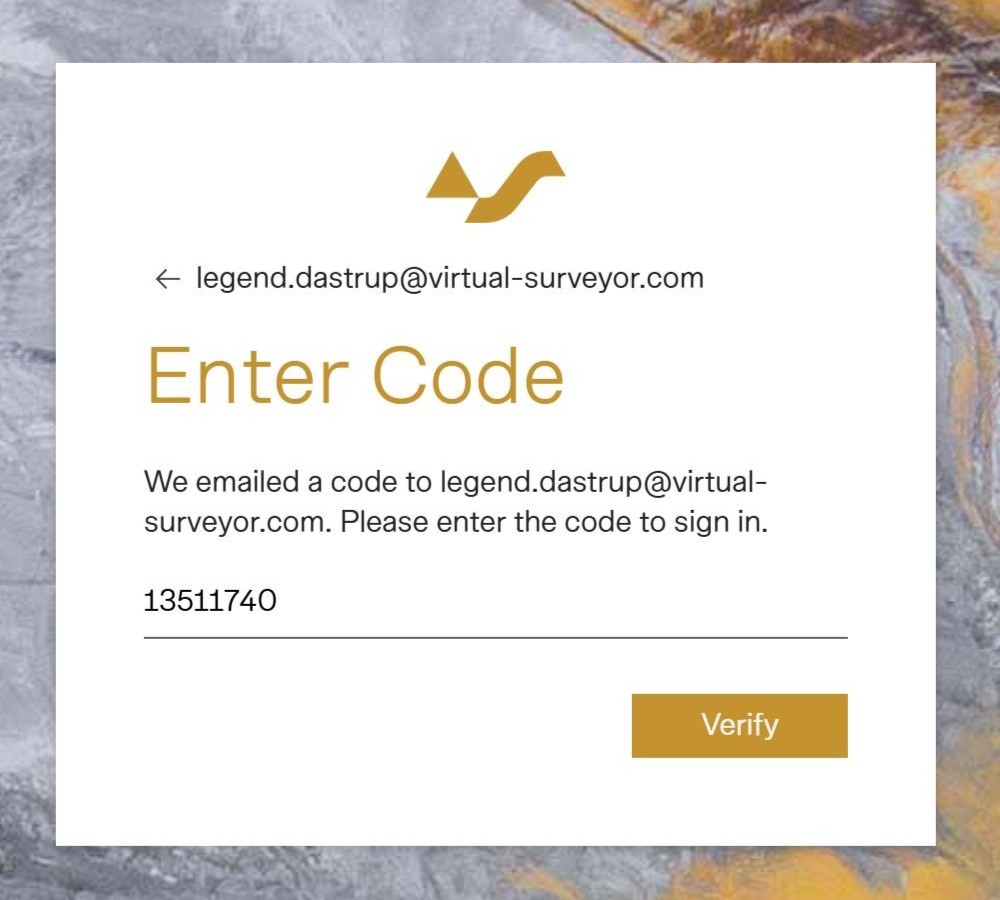
- Enter in your new password following the requirements on screen.
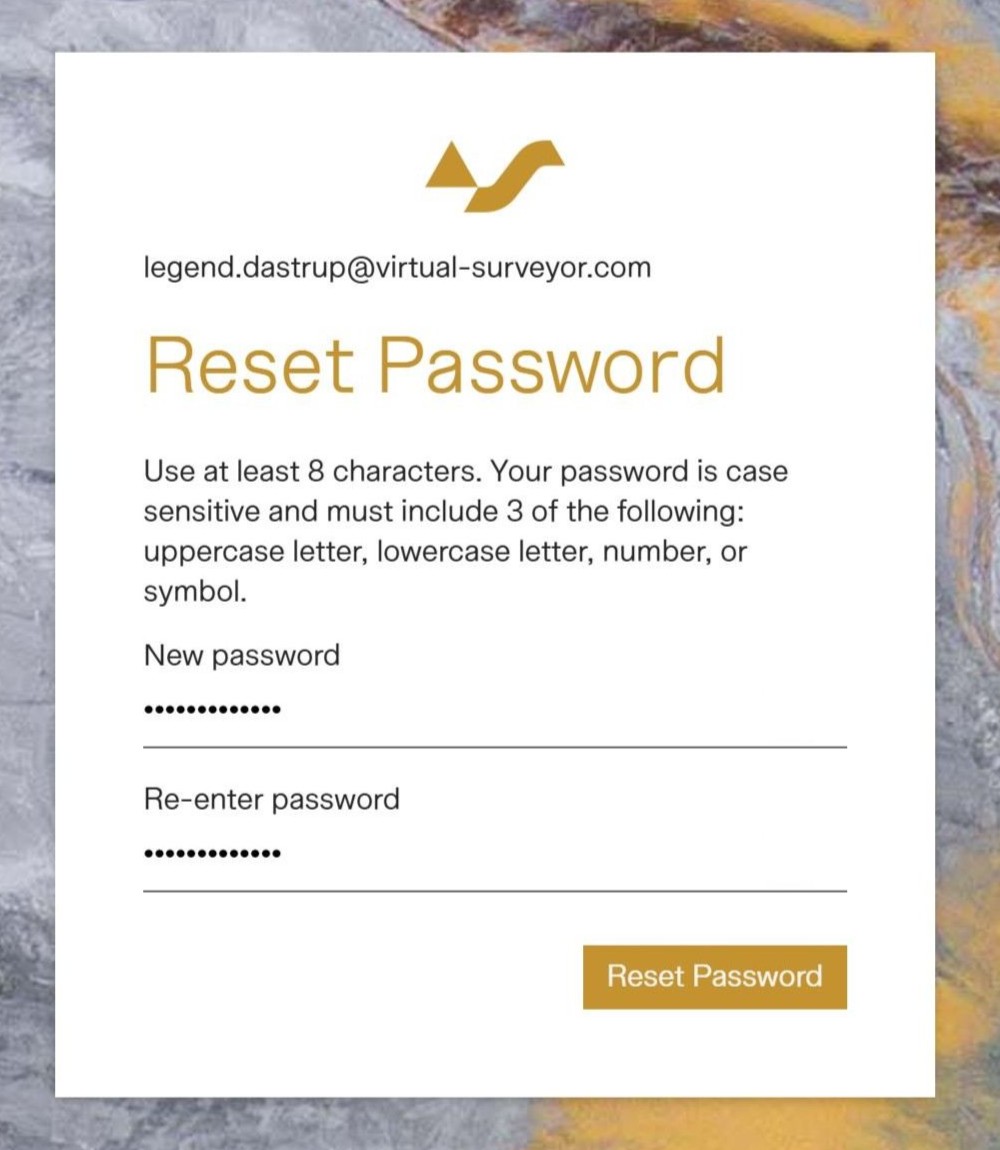
- Then click Reset Password.
You will see a confirmation that your password has been reset.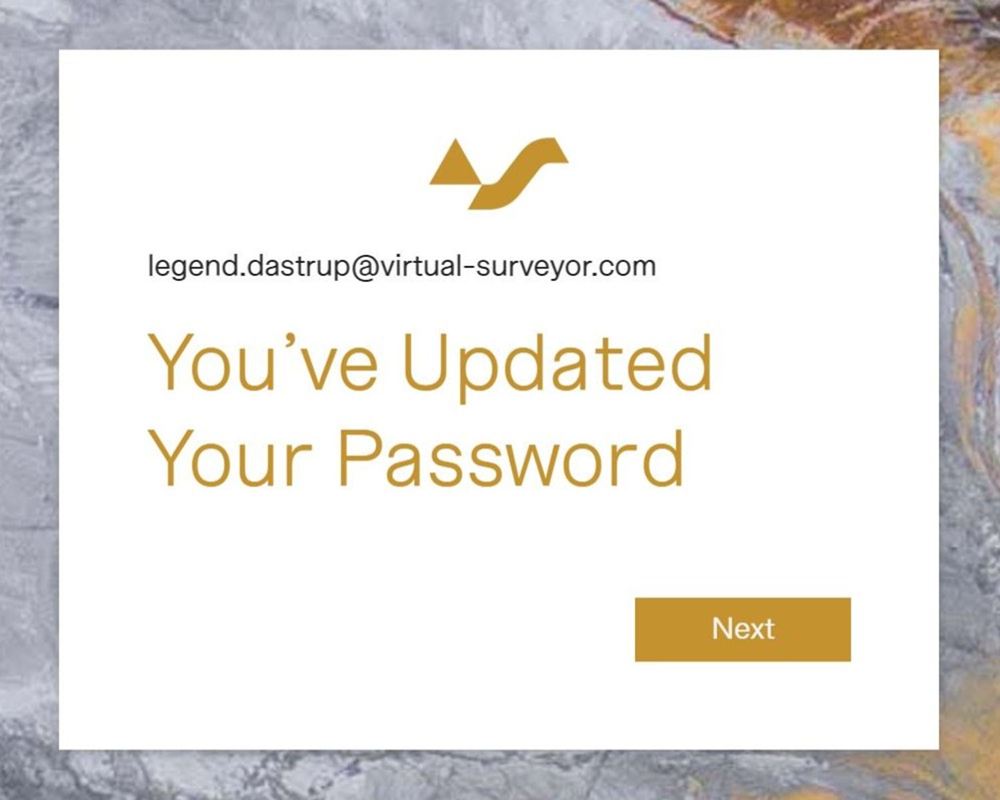
- Click Next, then select your preferred authentication method again as either email or SMS/text.
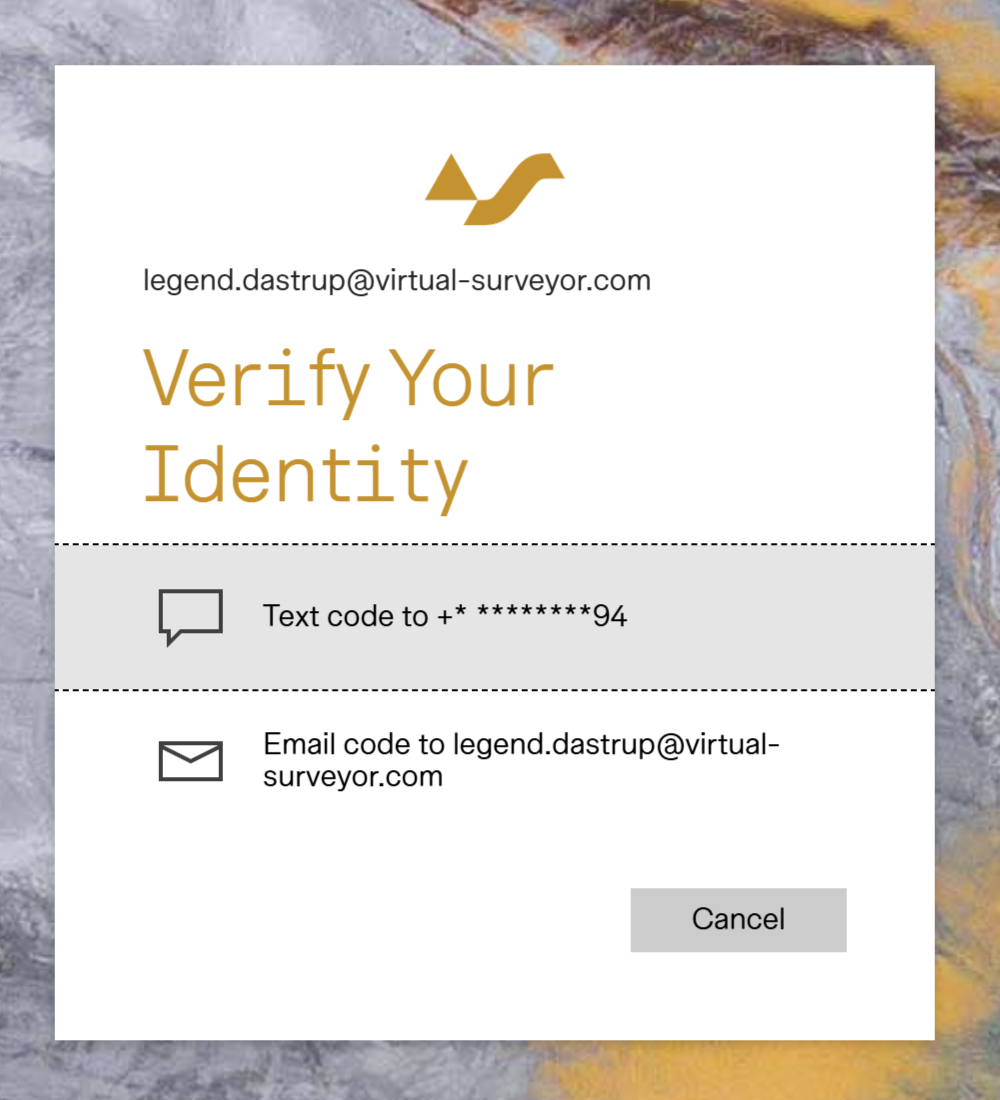
- After receiving and entering your verification number, click Verify and you will be signed in.
Tips to Help with Passwords
- Never share your Virtual Surveyor ID and password; it is personal information.
- There is no need to share passwords as we have floating licenses that allows you to assign multiple users to one license.
- You can also assign users to different subscriptions at any time, by giving them their own ID (email and password) and assigning them to a floating license with no extra cost per user.
- There are a number of great password tools to help manage all your passwords.
- A good app we recommend using is LastPass.