

Remove Edge allows you to remove unwanted or unneeded triangles. Remove Edge is a surface item editing tool that appears when you click the Edit Surface button in the TOOLS tab.


Overview
- How to Use Remove Edge
- When to Use the Remove Edge Tool
- Tips to Get the Most from the Remove Edge Tool
How to Use Remove Edge
- Select a surface item.
- Go to the TOOLS tab.
- Select Edit Surface and change the Edit Surface Mode to Remove Edge.
- Click on the edges of triangles to delete them.
- Right-click in the Viewport to exit the Edit Surface mode.

When to Use the Remove Edge Tool
- You can remove triangles edges over areas where they don't accurately model the Elevation Terrain.
- For example, you don't need elevation information and contour lines that cross over houses, buildings, or in some cases bodies of water.
- A great way to prevent the TIN from crossing over these kinds of terrain objects is by utilizing the Keep Outside tool.
- When your survey has a concave shape around the edges, the triangulated area leads to long unnecessary TIN segments along the project border.
- Large triangles that link to survey points over large distances do not accurately model the Elevation Terrain and they need to be removed manually with the Remove Edge tool to provide a clean surface model.
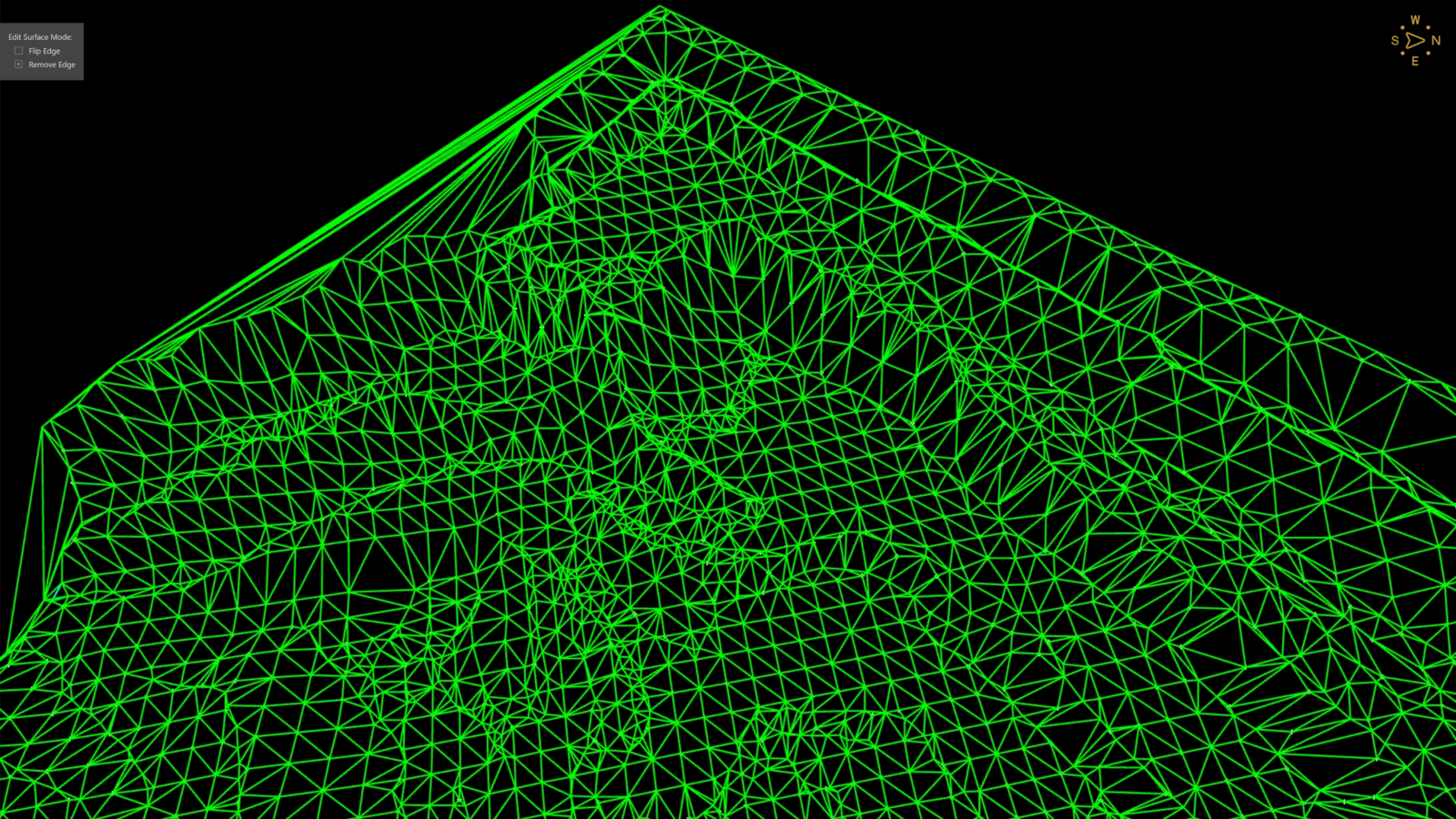 | 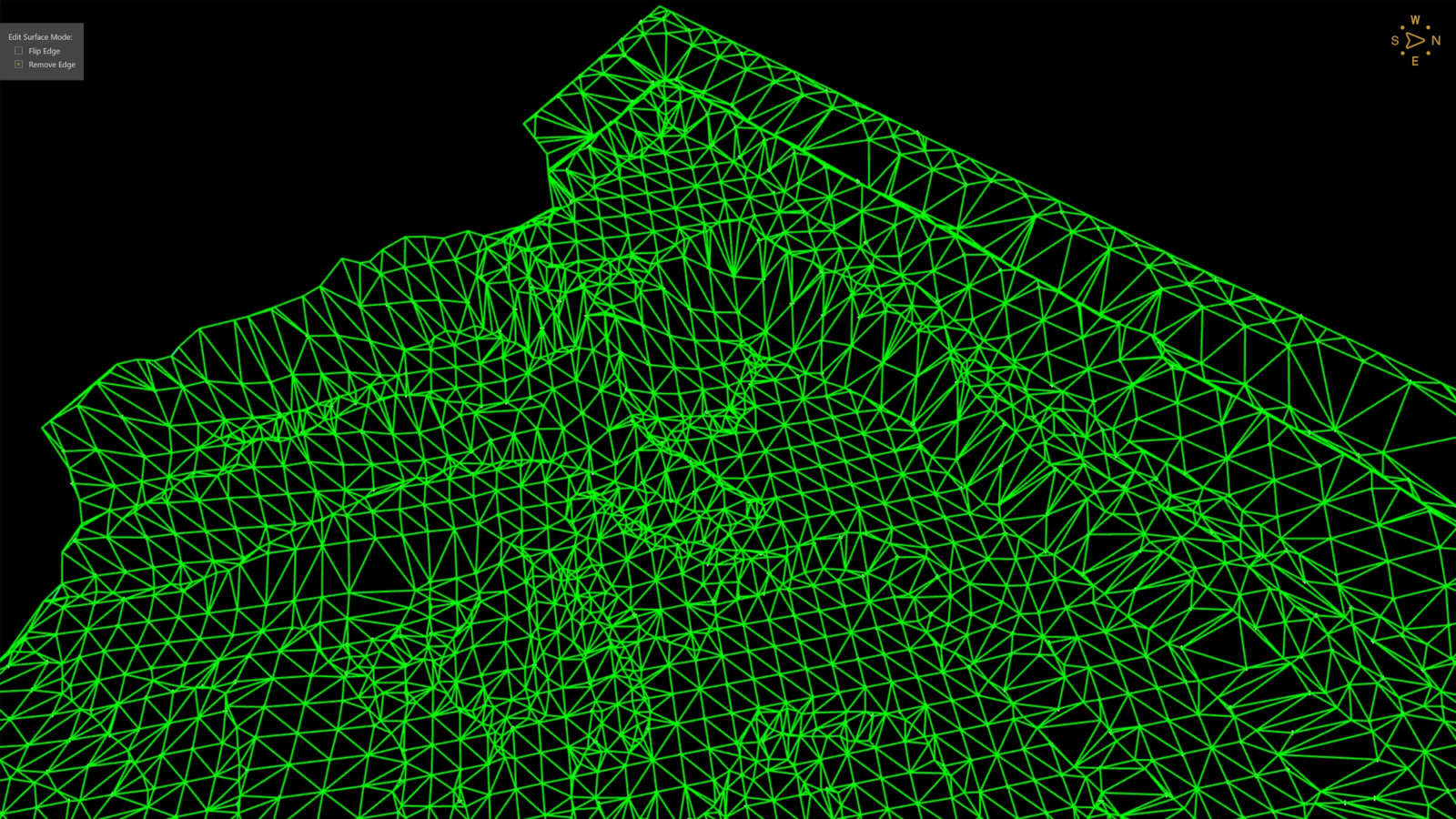 |
Tips to Get the Most from the Remove Edge Tool
- You can remove multiple triangle edges simultaneously by holding the Shift key and dragging a box across the area you want to remove triangle edges from.

- The Remove Edge function only works on one surface item at a time.
- If several surface items are selected, the Edit Surface button does not show up in the TOOLS tab.
- You can also use the Keep Outside and Keep Inside tools to remove large areas from your created surface to avoid removing edges from your surface.
- In some cases, you may want to flip the edge of a triangle to better match the terrain, rather than delete it; see our Flip Edge article for more details.